
Maya 3D Projects Using Autodesk Maya 2019 Version
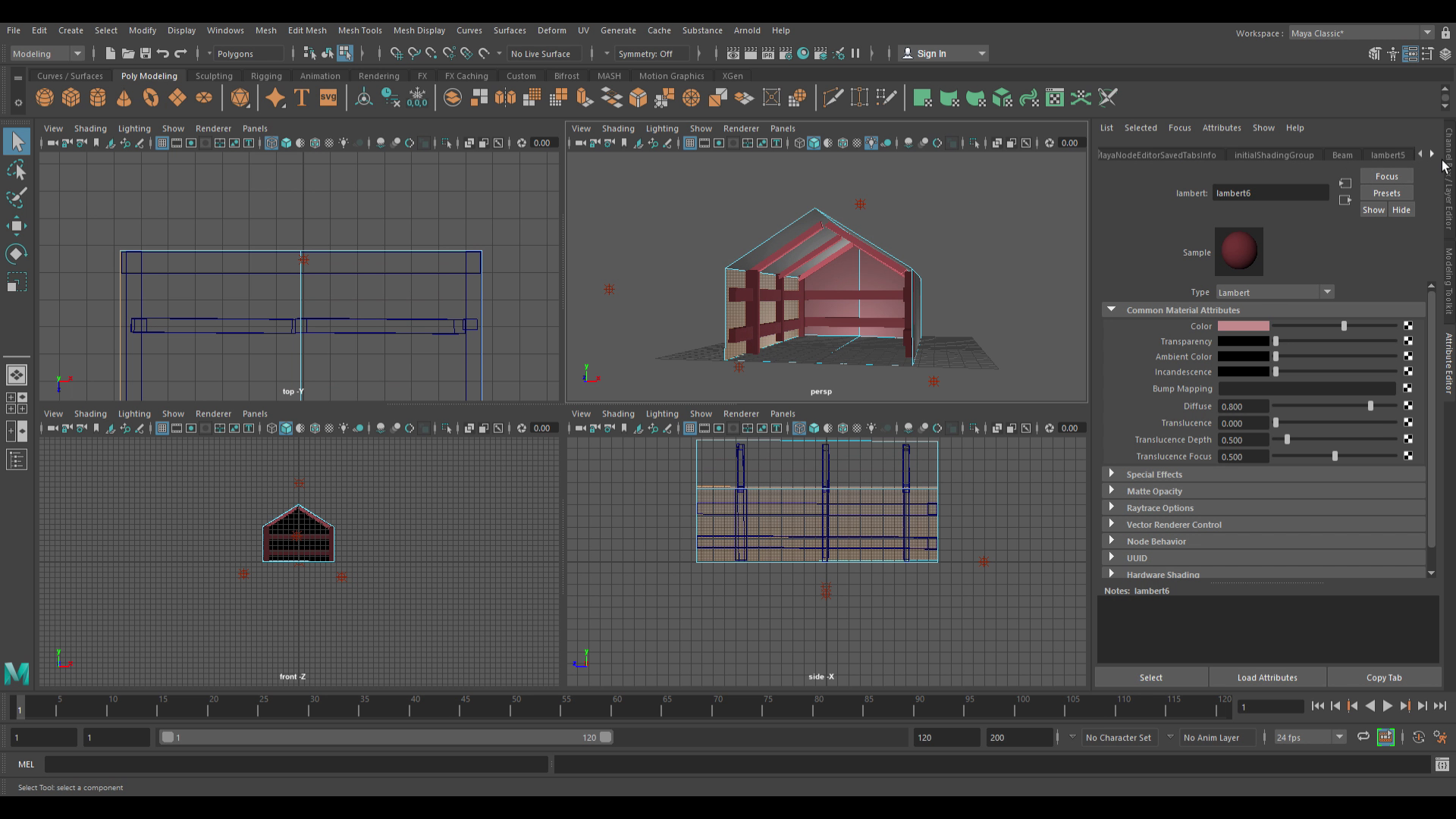
Note: We used Windows 10 Pro to load Autodesk Maya 2019 Version. We have our own license to use Maya.
After a long Easter Weekend, I gave my novice developers the first priority in the Afternoon to try out a Maya 3D Environment Model. They were first tasked to create a simple Tree Landscape. Grab a Cylinder, shrink the size, and add 3 cones on top of each other for the maximum result then add color using Lambert settings via Hypershade. Fishy saw some excellence when I made my own model.
For the Maya 3D Project above the picture, It's more advanced than Unity's ProBuilder because you start with a Cube and have to stretch out the Cube's edges using Object, Constraint and Hierarchy modes. You have to do it hand by hand rather than the software telling/showing you what do select next or objects placed automatically. The roof had to be flat like a triangle for this particular task using Select and Adjust modes. There will content inside the house, but we need to delete the front of the house by getting rid of the Polygons so there is a clear view.
For an upcoming guide on Robot2Online's YouTube channel, Andrew and Angelo have decided to partner all three of us, including me (Fishy) are building a small Project guide on building a 3D Model House, "Robot 2 Style". It will be split up into many parts and most updates will be videos and posted on Angelo's Vimeo Account. We have 3 - 4 parts complete and are still working on the model and project videos as well.
Progress wise, we have shown and posted a small demo video and then the next two videos were made and showed viewers how to add the Side Walls and some Objects inside the house. Another part (Part 3) added, we demonstrated how to add Color, similar to our Tree Project and fix some of the lighting. They can be accessed on Angelo's Vimeo Profile. More small snippets of Maya 3D software is coming.
For a small inspiration, we have released a video that you can see.
Fun Fact: This House Model was created by Andrew Drive last year! Well made and crafted buddy!
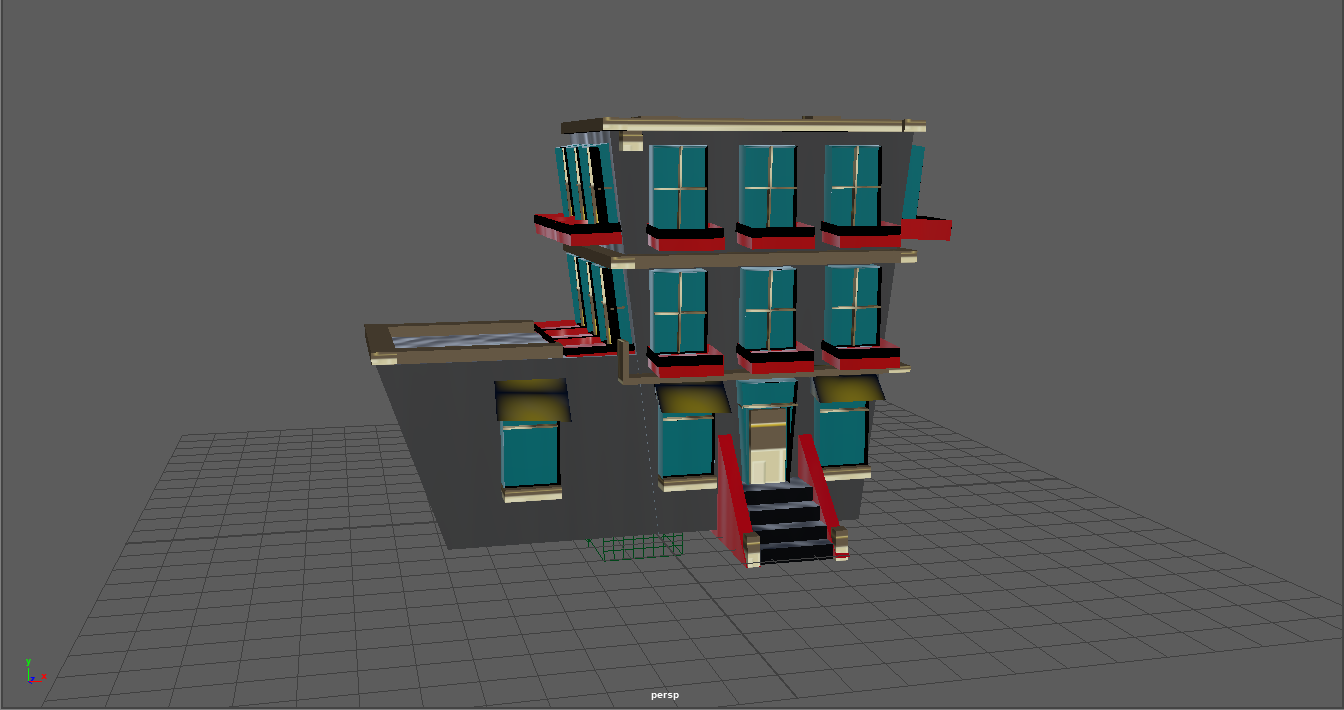
I also like the colors and the red windows on it as well.
In my opinion......
Great, plenty of content and sometimes, when navigating the UI, it even gets trickier to remember the functions and what's next to select/click to get a to a specific command. At the end of this project, we have learned a lot on how to build simple 3D models in a unique and advanced way and probably, more harder like an expert. While Maya is at it's best, Blender is another great software we will be looking into in a few weeks.